



Best health and fitness apps can turn your phone into a powerful health coach that keeps you moving, eating better, and sleeping deeper every day. These tools make it easier to track workouts, monitor your heart rate, log meals, and manage stress without needing a gym membership or expensive equipment. In this guide, you will discover the best health and fitness apps, how to choose the right ones for your goals, and simple steps to get real results from the apps you download.
Why health and fitness apps work
Modern health and fitness apps combine tracking, coaching, and community so that staying consistent becomes much easier than relying on memory or guesswork. Many of the top apps connect with wearables like smartwatches and fitness bands to track steps, heart rate, sleep, and more, giving you a clear picture of your daily habits.
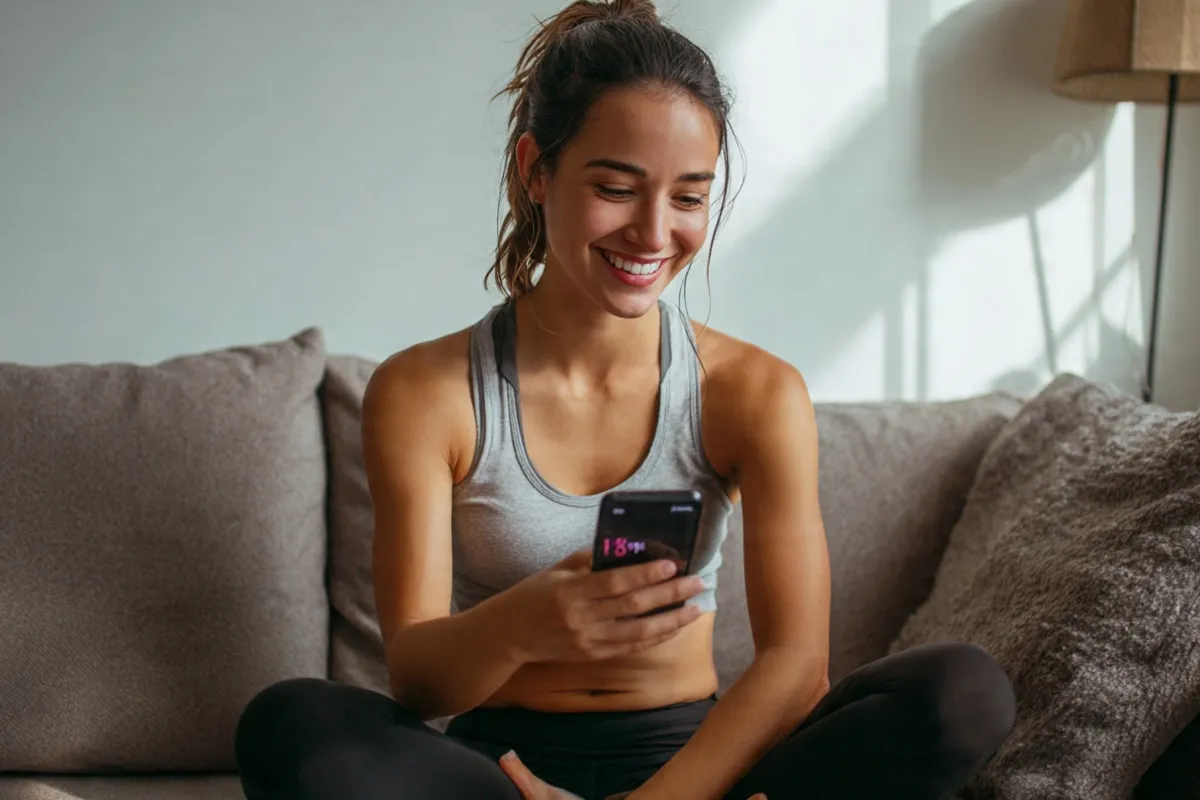
Global data shows that fitness and workout apps have tens of millions of active users, and some top apps reached several million new downloads in a single year. This rapid growth pushes developers to keep improving features such as guided programs, performance analytics, and habit‑tracking tools.

How to choose the best health and fitness apps
Before you install anything, take a moment to think about your main goal and your lifestyle. Not every app is right for every person, even if it appears in a “top 10” list, so choosing carefully will save time and frustration.

Key factors to compare when picking the best health and fitness apps:
- Main goal: weight loss, strength, running, flexibility, stress relief, or overall wellness.
- Equipment: bodyweight only, a few dumbbells, or full gym access.
- Coaching style: video workouts, audio coaching, AI‑generated plans, or simple trackers.
- Budget: fully free, free with optional upgrade, or subscription‑based.
- Integration: syncs with Google Fit, Apple Health, Fitbit, Garmin, or other wearables.
When people search app stores, they often use phrases like “fitness app,” “workout app,” “gym app,” and “health and fitness.” Aligning your expectations with these terms helps you better understand which of the best health and fitness apps fits your needs.
Best health and fitness apps for all‑round tracking
Google Fit and Apple Health: simple free trackers

For many users, the best health and fitness apps are the ones already installed on their phones. Google Fit on Android and Apple Health on iPhone track steps, activity minutes, and basic health stats while also serving as hubs that combine data from other apps and devices.
These apps are great for beginners who want a simple way to see daily movement and long‑term trends. By connecting sleep apps, workout apps, and nutrition trackers, you can view your overall health data in one place instead of jumping between multiple dashboards.
Fitbit app: wearables plus detailed metrics
The Fitbit app, paired with a Fitbit watch or band, offers easy‑to‑read stats on steps, heart rate, estimated calorie burn, and sleep quality. It presents this information through simple graphs and daily scores so you can quickly see whether you are moving and resting enough.
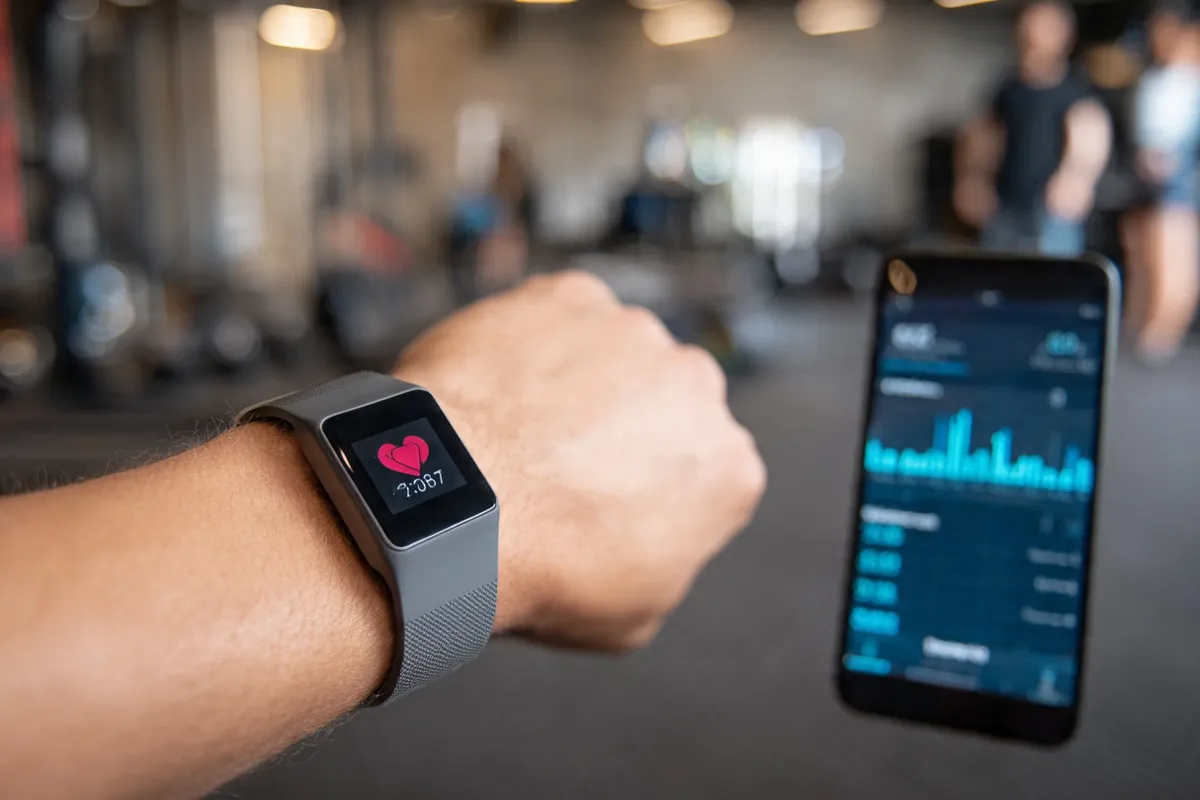
Fitbit also includes guided workouts, mindfulness sessions, and deeper recovery insights, especially if you subscribe to its premium plan. This mix of hardware and software makes it one of the best health and fitness apps for people who enjoy data and gentle coaching in one ecosystem.
Best workout apps for strength and cardio
Nike Training Club: guided strength and HIIT workouts
Nike Training Club is a popular workout app with a large library of guided routines for strength, HIIT, mobility, and yoga. You can filter workouts by time, equipment, or level, which makes it easy to fit training into even a busy schedule.

Because it offers everything from beginner bodyweight sessions to advanced strength programs, Nike Training Club often appears on lists of the best health and fitness apps for building strength at home. Many workouts are free, making it a strong choice if you want structured training without a gym membership.
Apple Fitness+: studio‑style classes at home
Apple Fitness+ delivers high‑quality video classes led by experienced trainers in categories such as strength, HIIT, cycling, rowing, dance, yoga, and core. When paired with an Apple Watch, it displays your heart rate and activity rings on screen, which keeps you engaged and informed during each session.

For people already in the Apple ecosystem, this service is often ranked among the best health and fitness apps because it combines polished production, curated workout programs, and real‑time metrics. While it does require a paid subscription, it can still cost less than many in‑person studio memberships if you use it regularly.
Best running and cycling apps
Strava: social motivation for outdoor athletes
Strava is widely used by runners, cyclists, and endurance athletes who enjoy tracking their routes and competing with others. The app records distance, pace, elevation, and route maps, then compares your efforts on popular segments against your own history and the community.
Its social features—such as clubs, challenges, and activity feeds—provide built‑in accountability and motivation. Many users pair Strava with other best health and fitness apps, using it mainly for outdoor workouts and community while relying on separate tools for strength or nutrition.
Other top running apps to try
Independent reviews frequently recommend apps like Nike Run Club, which offers audio‑guided runs and structured plans for 5K, 10K, and half‑marathon distances. Other specialized running apps focus on interval training, virtual coaching, or race‑specific plans.
When choosing the best health and fitness apps for running, look for accurate GPS tracking, training plans that match your level, and features that help you track progress over weeks, not just single runs. Community elements such as leaderboards and virtual races can make training more fun and consistent.
Best nutrition and calorie tracking apps
MyFitnessPal: food logging and calorie awareness
MyFitnessPal is one of the most recognized nutrition tracking apps, known for its large food database and barcode scanner. It lets you log meals, set daily calorie goals, and track macronutrients like protein, carbohydrates, and fat.

Studies and user reports indicate that people who track what they eat are more likely to lose weight and keep it off, especially during the first months of a lifestyle change. That makes MyFitnessPal and similar tools a key part of the best health and fitness apps for anyone focused on weight loss or body recomposition.
Habit‑based nutrition and fasting apps
Beyond calorie counting, intermittent fasting apps have grown quickly and now hold top positions for several nutrition‑related keywords in app stores. These apps provide fasting timers, progress charts, and educational content to help users follow specific fasting schedules.
If you prefer a gentler approach, look for apps that focus on building healthy habits like drinking more water, eating more vegetables, or reducing late‑night snacking. Simple habit tracking can be just as powerful as strict logging, especially when combined with other best health and fitness apps for exercise.
Sleep, stress, and mental health apps
Sleep apps: better rest for better results
Sleep apps aim to improve your rest by tracking movement and sound at night, estimating sleep stages, and offering relaxing content such as white noise or guided wind‑down routines. Many people discover they sleep less than they think once they see objective data from these tools.

Some leading platforms now add sleep coaching into their main health apps, showing how your bedtime, caffeine use, and screen time impact your sleep scores over days or weeks. When combined with the best health and fitness apps for workouts and nutrition, better sleep can dramatically improve energy and recovery.
Meditation and mindfulness apps
Meditation and mindfulness apps gained huge popularity as more people look for ways to manage stress, anxiety, and burnout. These tools offer guided meditations, breathing exercises, and short check‑ins that fit into a busy day.

Because stress management links so closely to physical health, many experts now consider these platforms part of the broader group of best health and fitness apps. Using them for just a few minutes daily can support better sleep, more consistent workouts, and healthier food choices.
Real‑world example: building your app stack
Imagine you want to lose 10–15 pounds, feel more energetic, and sleep better over the next three months. A simple and realistic app stack could look like this:

- Google Fit or Apple Health to track steps and overall activity.
- MyFitnessPal to log meals and maintain a small calorie deficit.
- Nike Training Club or Apple Fitness+ for three short strength or HIIT workouts per week.
- A sleep app to set a consistent bedtime and track nightly rest.
This four‑app setup covers movement, nutrition, and recovery—the three pillars behind most success stories with the best health and fitness apps. The real secret is actually using these tools consistently instead of downloading them and forgetting they exist.
Step‑by‑step: getting real results from apps
Step 1: Set one clear goal
Begin with a specific goal, such as “walk 8,000 steps a day,” “exercise three times per week,” or “lose 5 kg in three months.” Clear goals make it much easier to decide which of the best health and fitness apps you truly need.
Step 2: Choose one main app and one support app
Most people get better results using one primary app (for workouts or nutrition) plus one support app (for tracking or sleep). For example, you might pair Nike Training Club with Google Fit, or Strava with a simple calorie tracker.
Step 3: Turn on reminders and routines
Apps only work if you respond to them. Turn on reminders for workouts, step goals, or mindfulness breaks, and tie them to existing habits like waking up, lunch breaks, or winding down at night.
Step 4: Review your data each week
Once a week, open your tracking app and review your steps, workouts, calories, or sleep scores. Use this information to make small adjustments, such as adding a short walk on low‑activity days or moving bedtime earlier if your sleep is poor.
Quick answers about the best health and fitness apps

What are the best health and fitness apps for beginners?
For beginners, simple trackers like Google Fit or Apple Health paired with an easy workout app such as Nike Training Club or a walking program work very well. These best health and fitness apps focus on clear progress and short sessions instead of overwhelming you with complex features.
What is the best free health and fitness app?
Many reviewers highlight Nike Training Club, Google Fit, and Strava as some of the best free health and fitness apps because they offer strong tracking and quality workouts at no cost. Free versions are usually enough to build a solid habit before deciding whether to pay for premium upgrades.
Which app is best for overall wellness?
Apps that combine workouts, nutrition tips, and mindfulness—often featured in expert round‑ups—tend to be best for overall wellness because they support multiple areas of health at once. Using one of these as your central hub and syncing other trackers into it can keep your routine organized and simple.
Do health and fitness apps really help with weight loss?
Many people report better weight loss results when they use apps to track their food intake and activity levels consistently. Seeing daily numbers makes it easier to spot problem habits and adjust before progress stalls.
What are the best health and fitness apps for runners?
Strava, Nike Run Club, and similar running apps are often considered the best health and fitness apps for runners because they combine GPS tracking, training plans, and community support. These features help you prepare for races, track pace, and stay motivated with virtual challenges.
Which apps are best for home workouts?
Apps that provide video‑based, no‑equipment or minimal‑equipment routines—such as Apple Fitness+ and other popular home‑workout platforms—are ideal for training at home. Look for “home workout” or “no equipment” filters in the app to find suitable programs quickly.
What are the best health and fitness apps for sleep tracking?
Some fitness wearables and dedicated sleep apps offer detailed sleep‑stage estimates, bedtime reminders, and nightly scores. Pairing a sleep app with a general health tracker helps you see how your rest affects your mood, workouts, and appetite.
Conclusion
The best health and fitness apps are the ones you actually use—consistently, not perfectly. By combining one workout app, one basic tracker, and possibly a nutrition or sleep tool, you create a simple system that supports your goals every day.
Choose two or three of the best health and fitness apps from this list, install them today, and commit to using them for the next 30 days. As you start seeing progress in your steps, workouts, energy, and sleep, you will know which apps truly deserve a permanent place on your phone.

References:
- https://www.pcmag.com/picks/best-workout-apps
- https://www.manuxtrain.com/top-9-great-fitness-apps-of-2025-the-best-fitness-apps-and-expert-picks-to-improve-your-fitness-level
- https://zapier.com/blog/best-fitness-tracking-apps/
- https://www.forbes.com/health/weight-loss/best-fitness-apps/
- https://www.mobileaction.co/blog/top-10-health-and-fitness-apps-in-2024/